How to edit your profile details
Your profile is how other filmmakers and viewers get to know you on Cinemata. You can update your bio, links and photo anytime. You'll need to be logged in first. If you need help with that, here's our login guide.
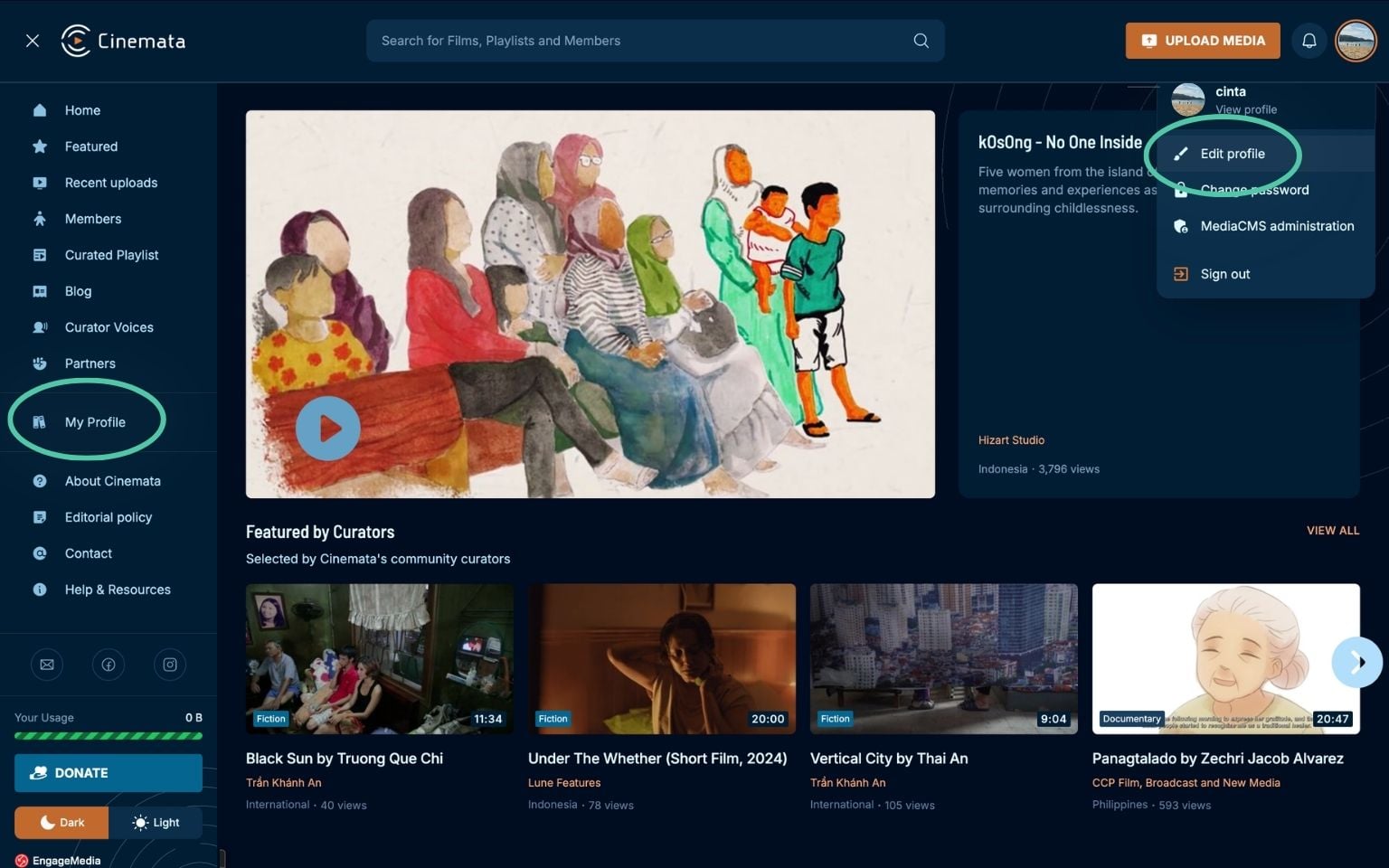
- Go to My Profile. Click your avatar on the right side of the top menu bar, then choose your username or My Profile from the dropdown. If your sidebar is open, you can also click My Profile there.
- Below your banner image on the right, click Edit Profile.
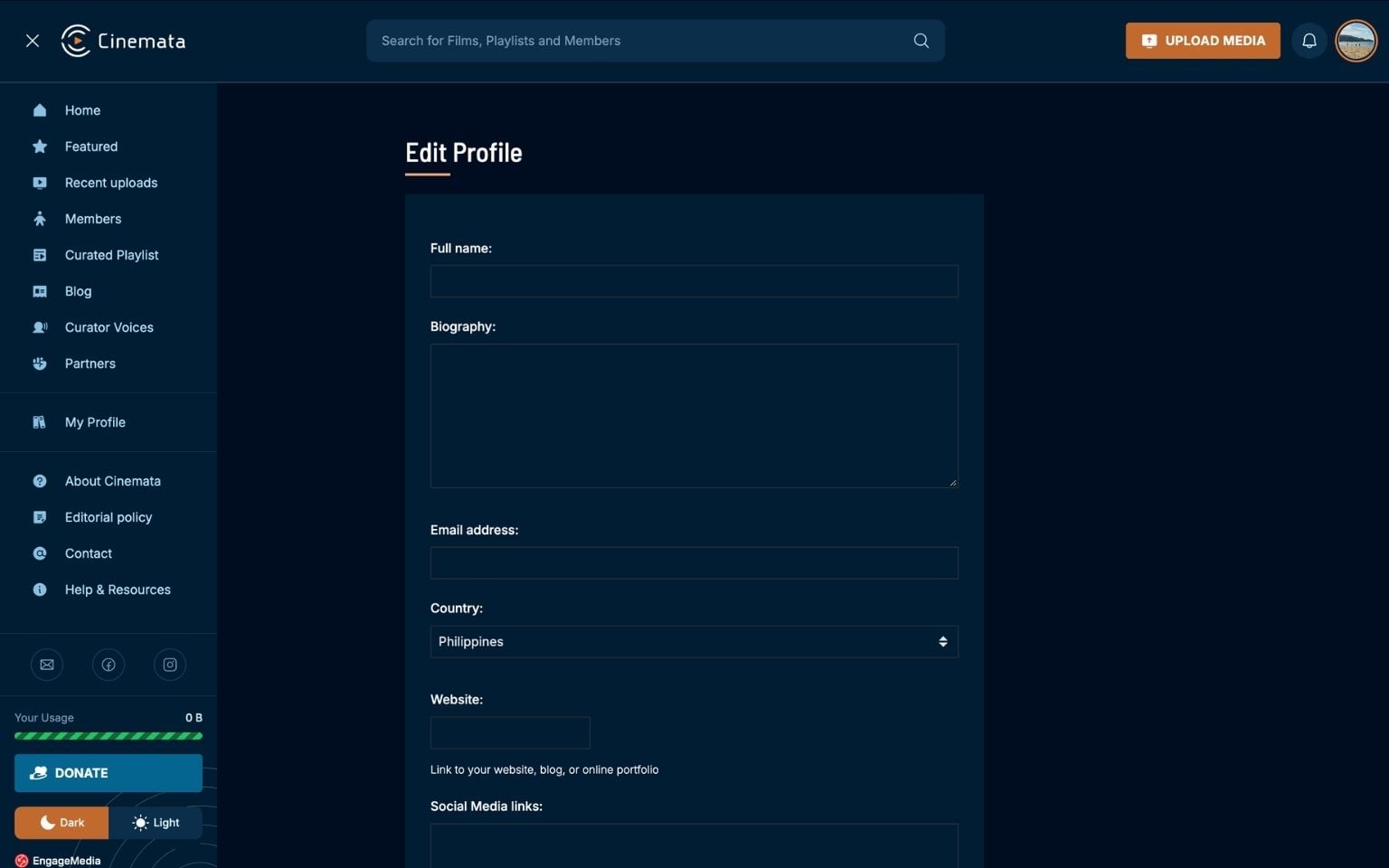
- On the Edit Profile page, you can change your name, bio, email address, country, website, social media links, and your profile picture or logo.
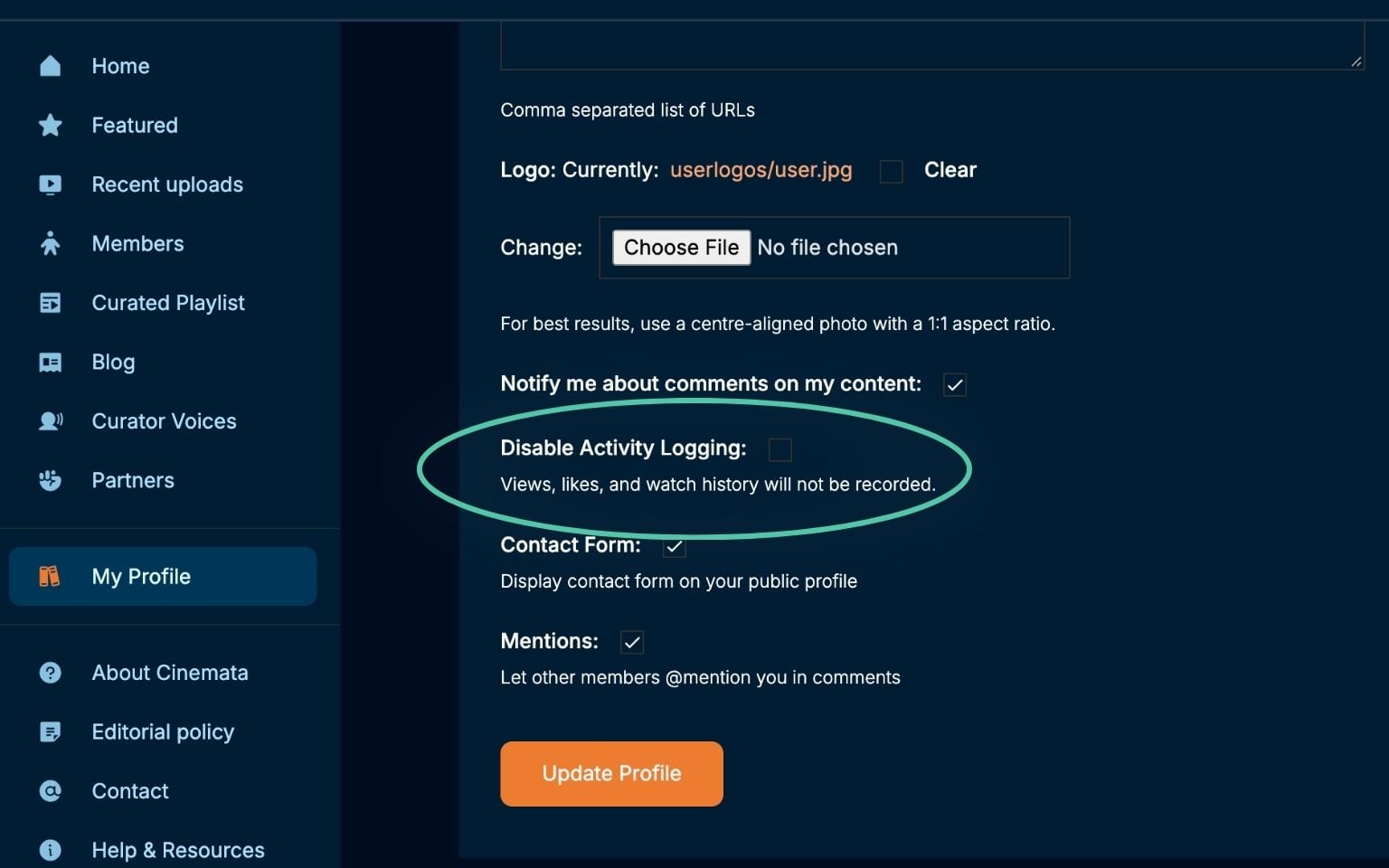
- Further down, you can also choose whether to get notified about activity, turn off activity logging, and show or hide the contact form on your profile.
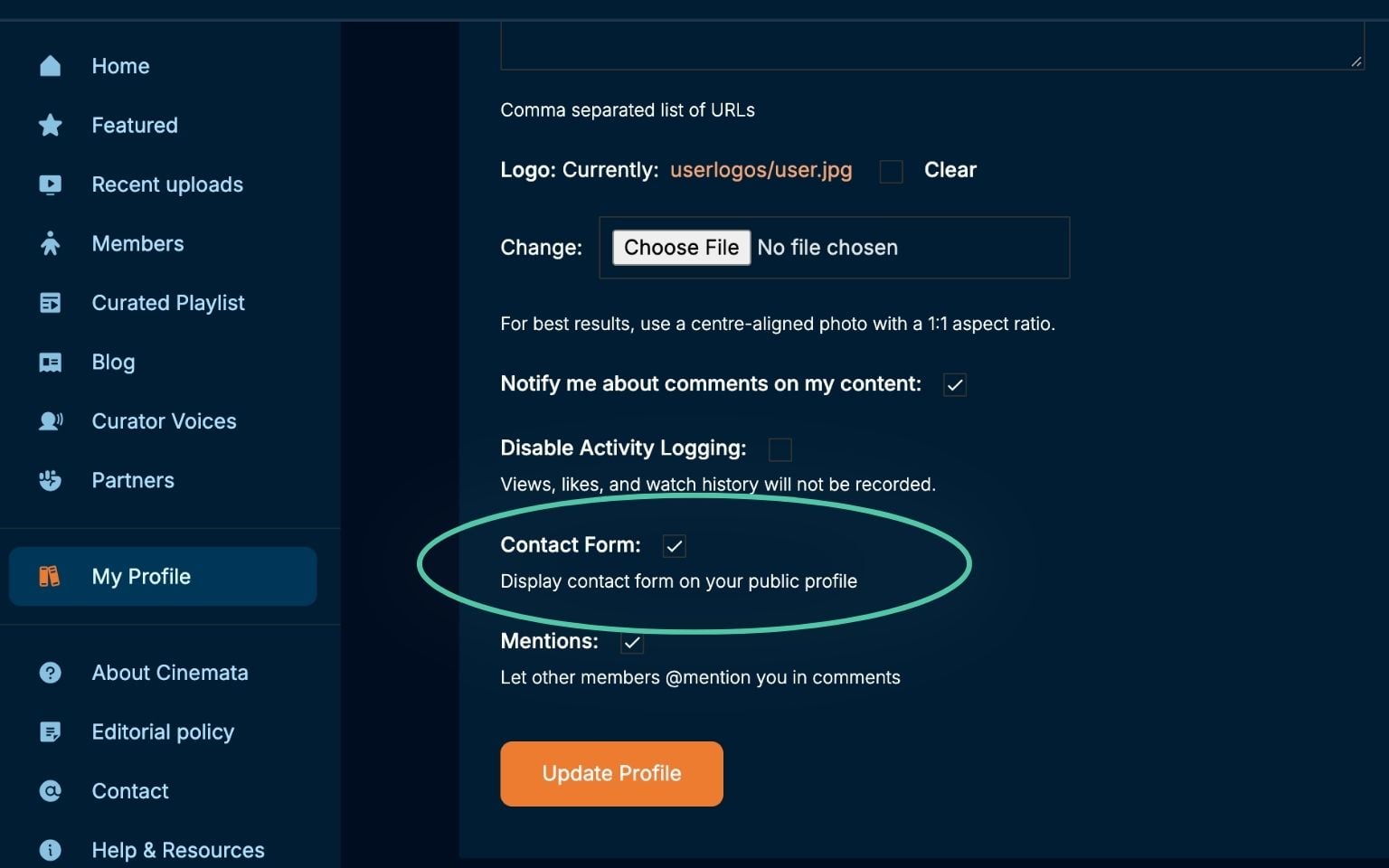
- Click Update Profile to save your changes. That's it!