How to open a Cinemata account
With a Cinemata account, you can upload your own films and create playlists from the site's library of social issue films. You can also take part in the community by sharing reactions and commenting on films. Signing up only takes a few minutes.
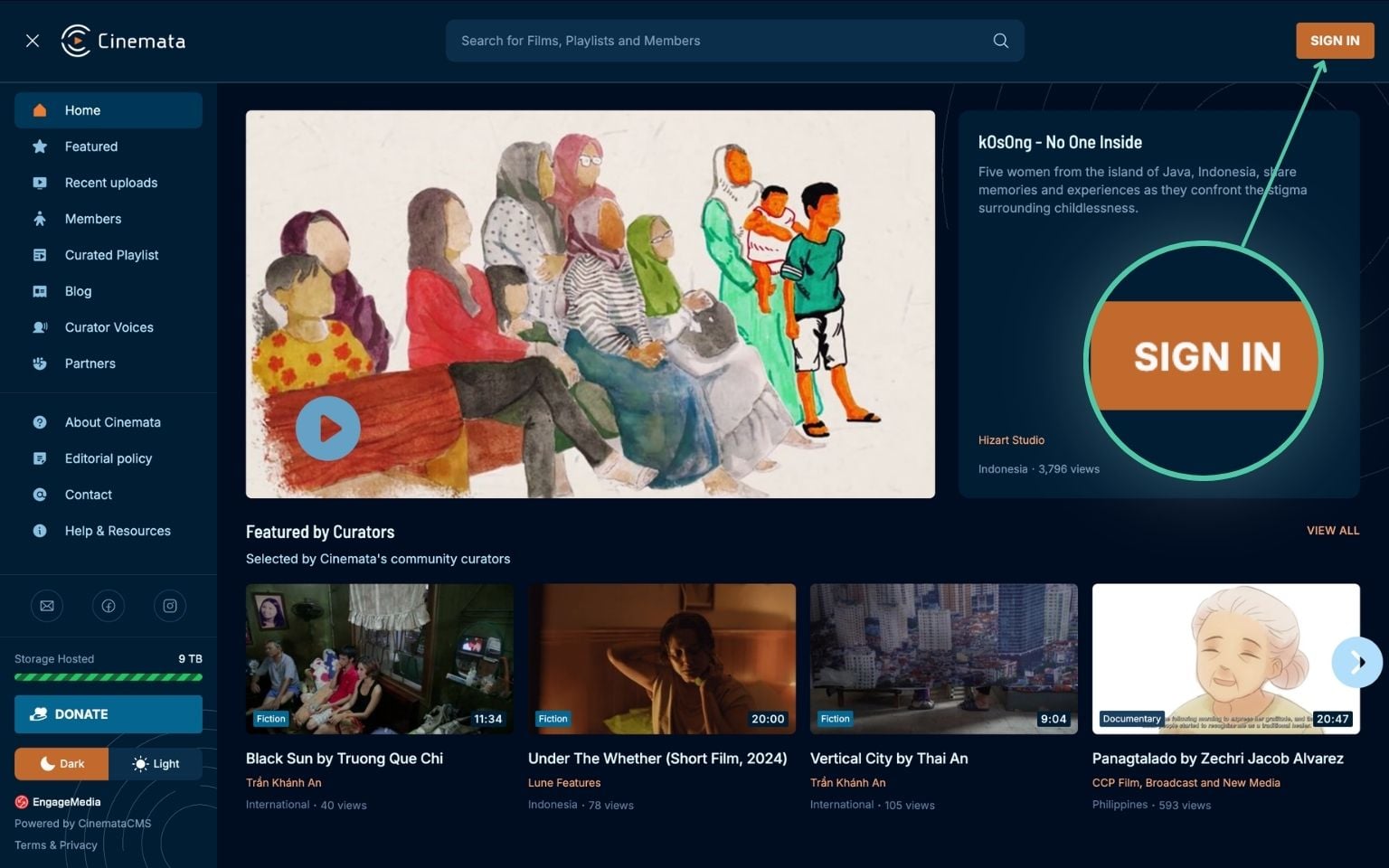
- Go to the Cinemata sign-up page. You can also click Sign In in the upper right corner of the site, then click Sign Up.
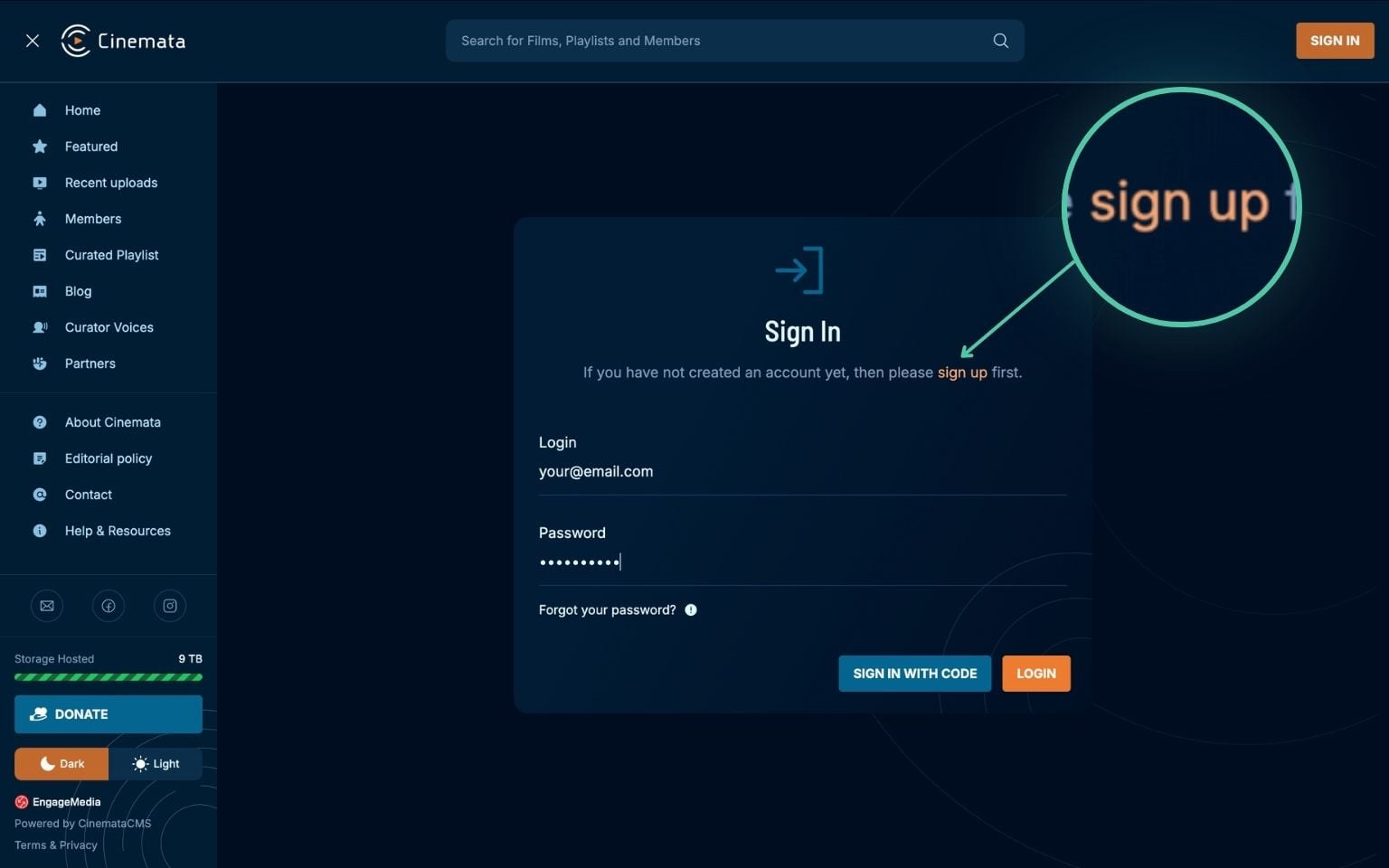
- Fill in your email, username, name, country or region, and password.
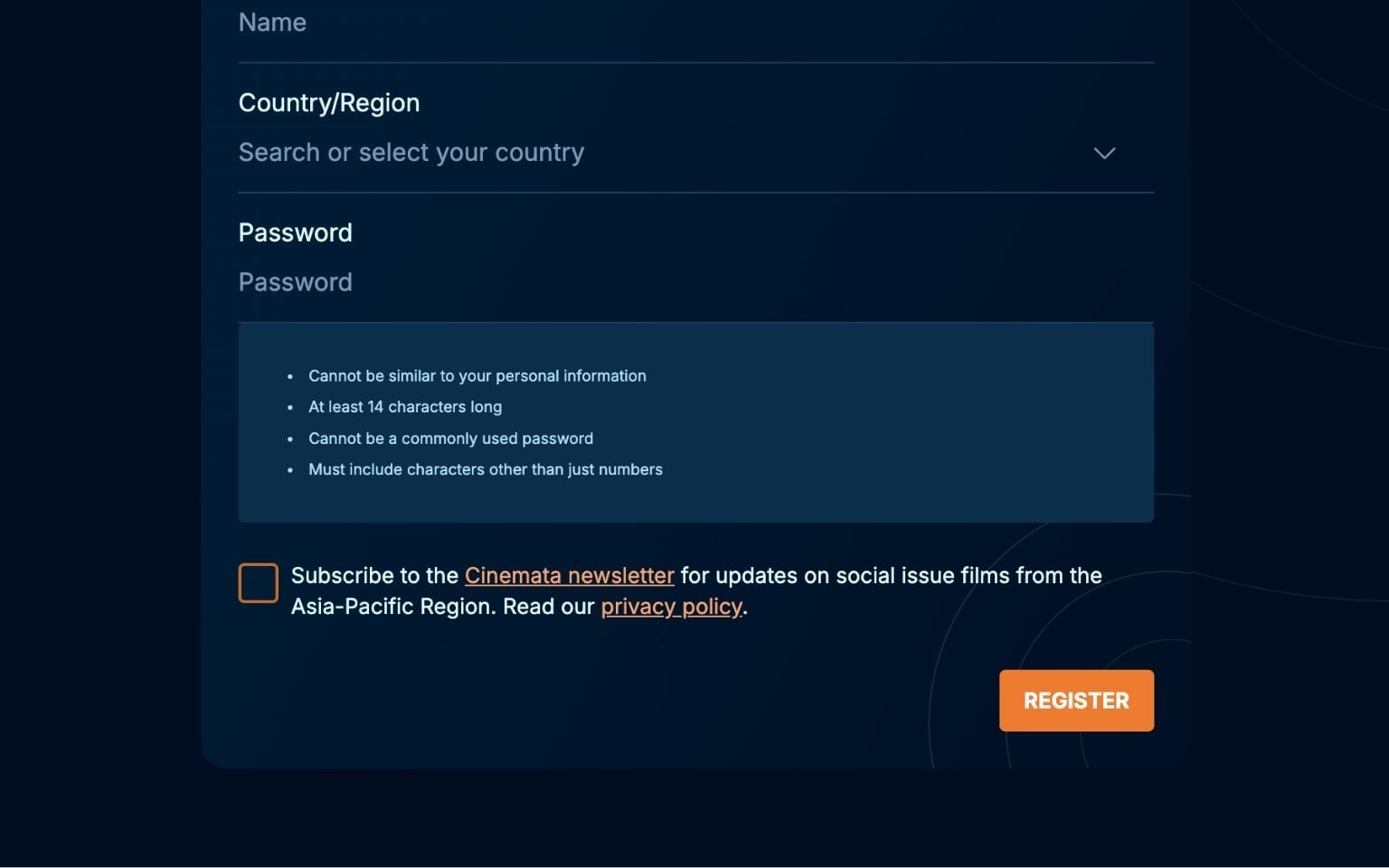
- Tick the newsletter box if you'd like monthly updates on featured films, on-site events, film festivals and site improvements. This is optional.
- Click Register.
- Check your inbox for an email from Cinemata and click the link inside to verify your account. If you don't see it after a few minutes, check your spam or promotions folder.
- You'll be taken back to Cinemata.org and asked to confirm your email. Once that's done, your account is ready.
Next: How to log in