How to change your password
You need to be logged in to change your password. If you need help with this, click here to view our login guide. Once logged in, follow the steps below.
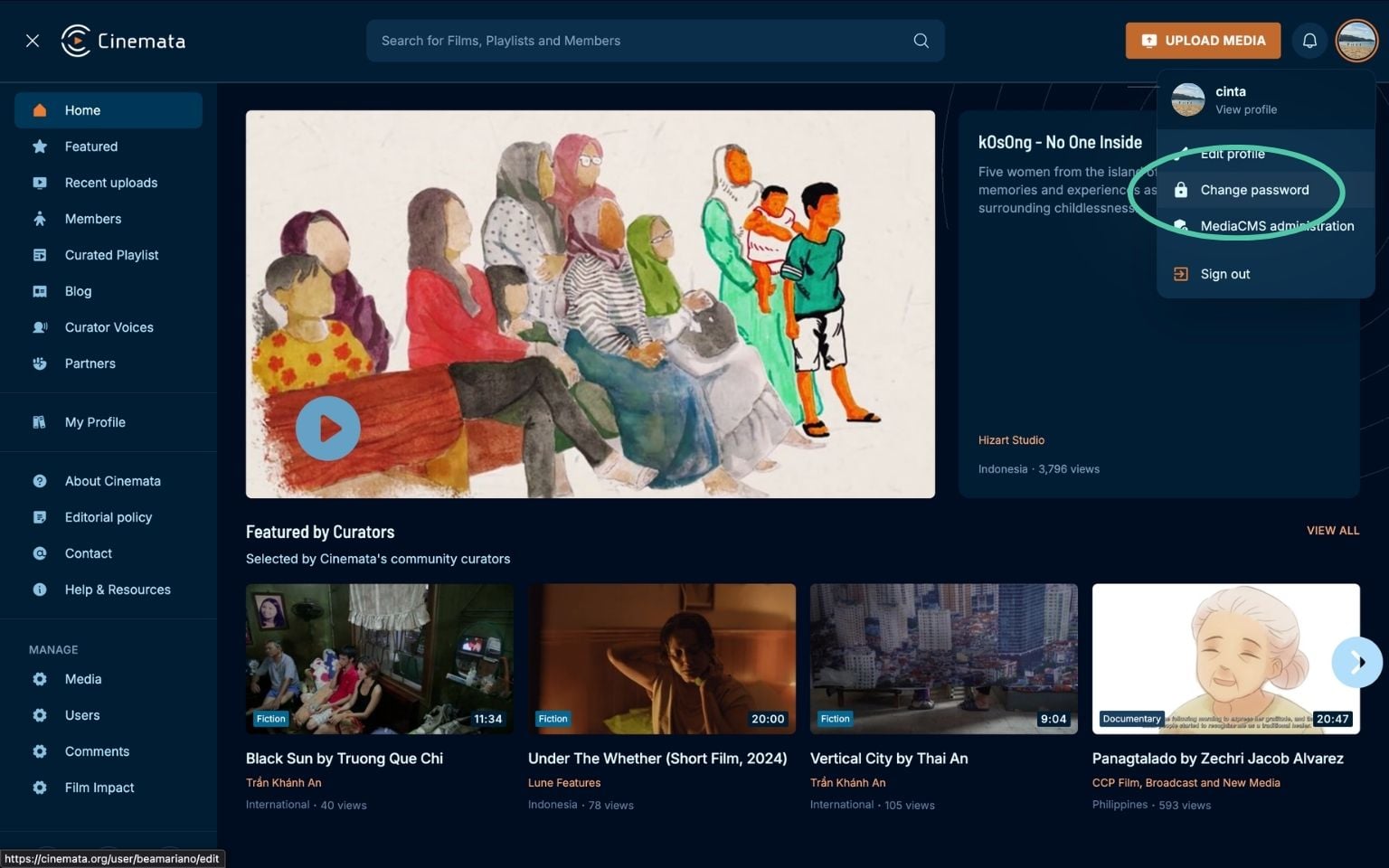
- Go to My Profile. You may click on your avatar at the right side of the top menu bar which will open a dropdown sub-menu. Click on Change Password.
- You will be prompted to input your current password, new password and confirm your new password.
- Click Change Password.
- A toast will appear confirming you have successfully changed your password.