How to add or edit film subtitles
You need to be logged in to add or edit your film's subtitles. If you need help with this, click here to view our login guide. Once logged in, follow the steps below.
- Go to the page of your video.
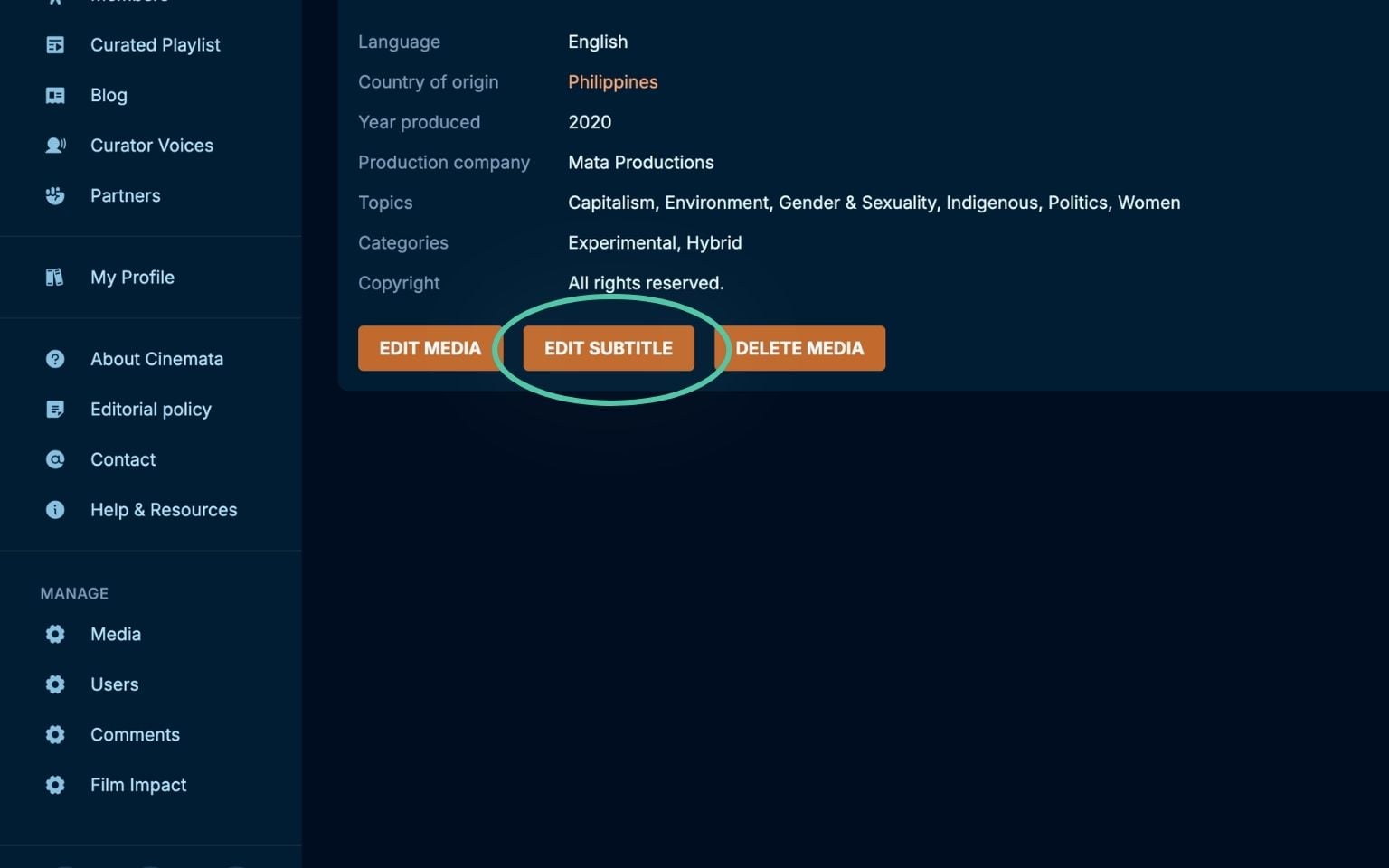
- Click the Edit Subtitle button.
- To create new subtitles, first select the language.
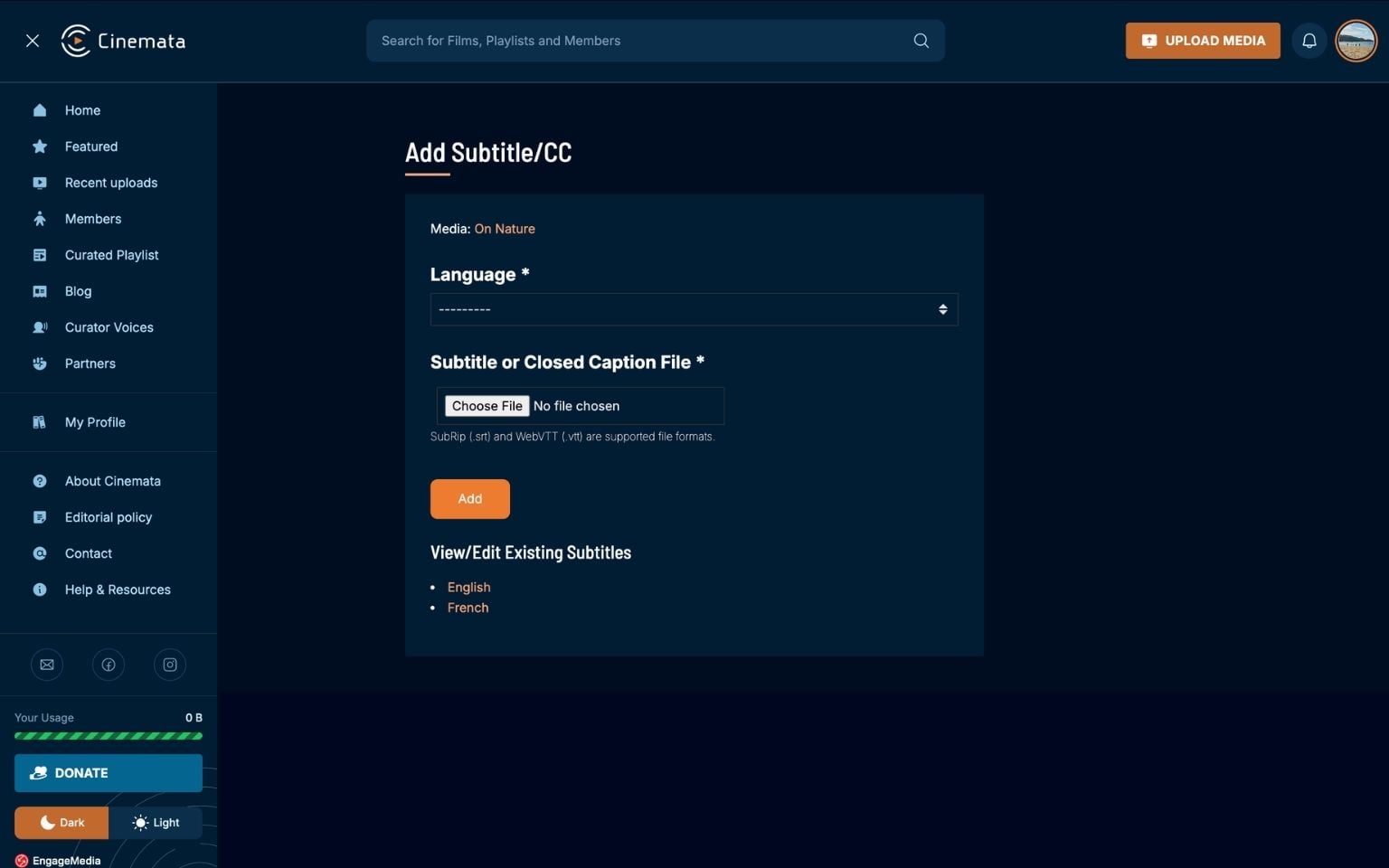
- Then upload a subtitle file. SRT (.srt) or WebTVV (.vtt) only.
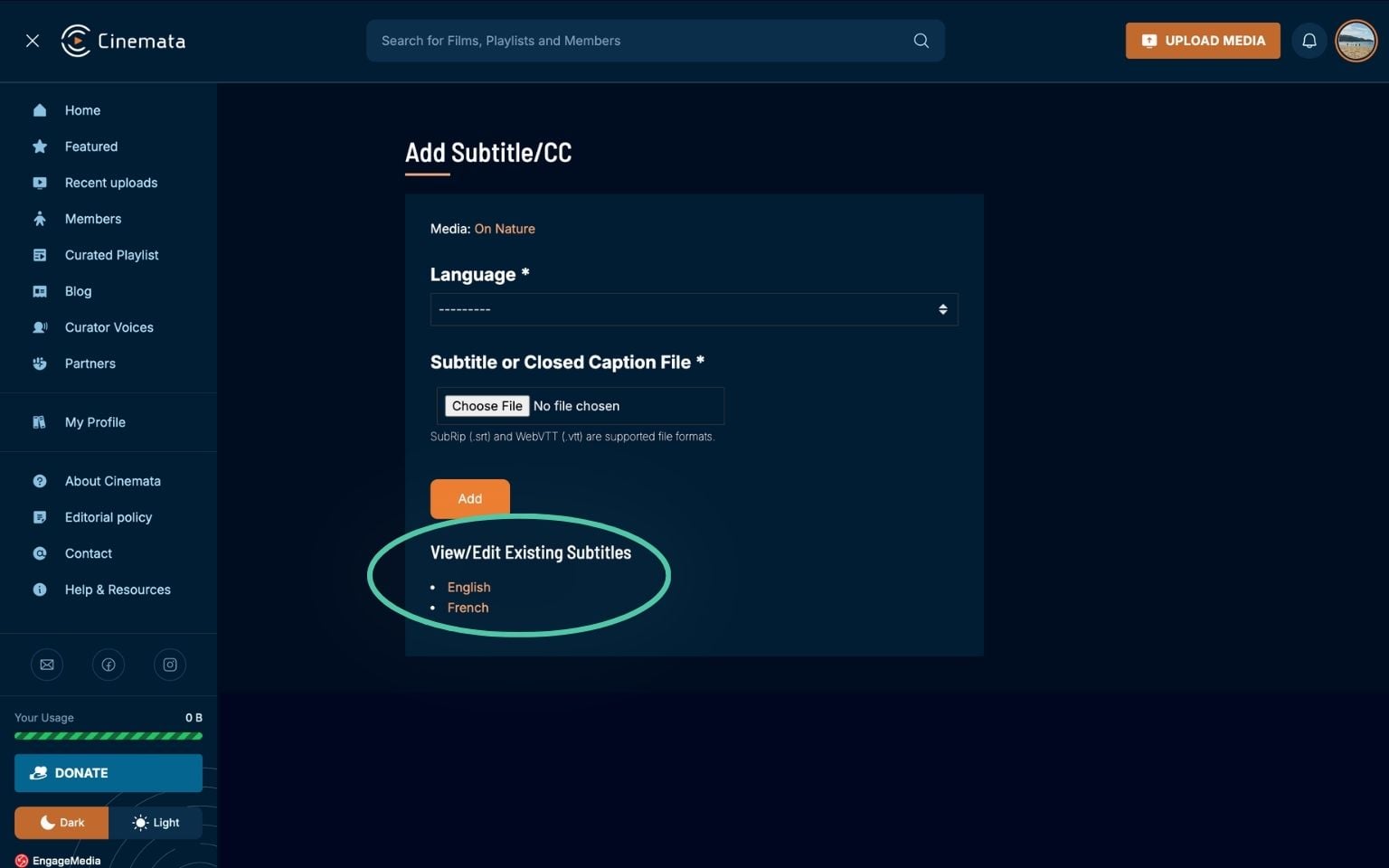
- To edit existing subtitles, click the subtitle you want to edit in the list.
- You will be shown the SRT file, which you can edit using our basic editor.
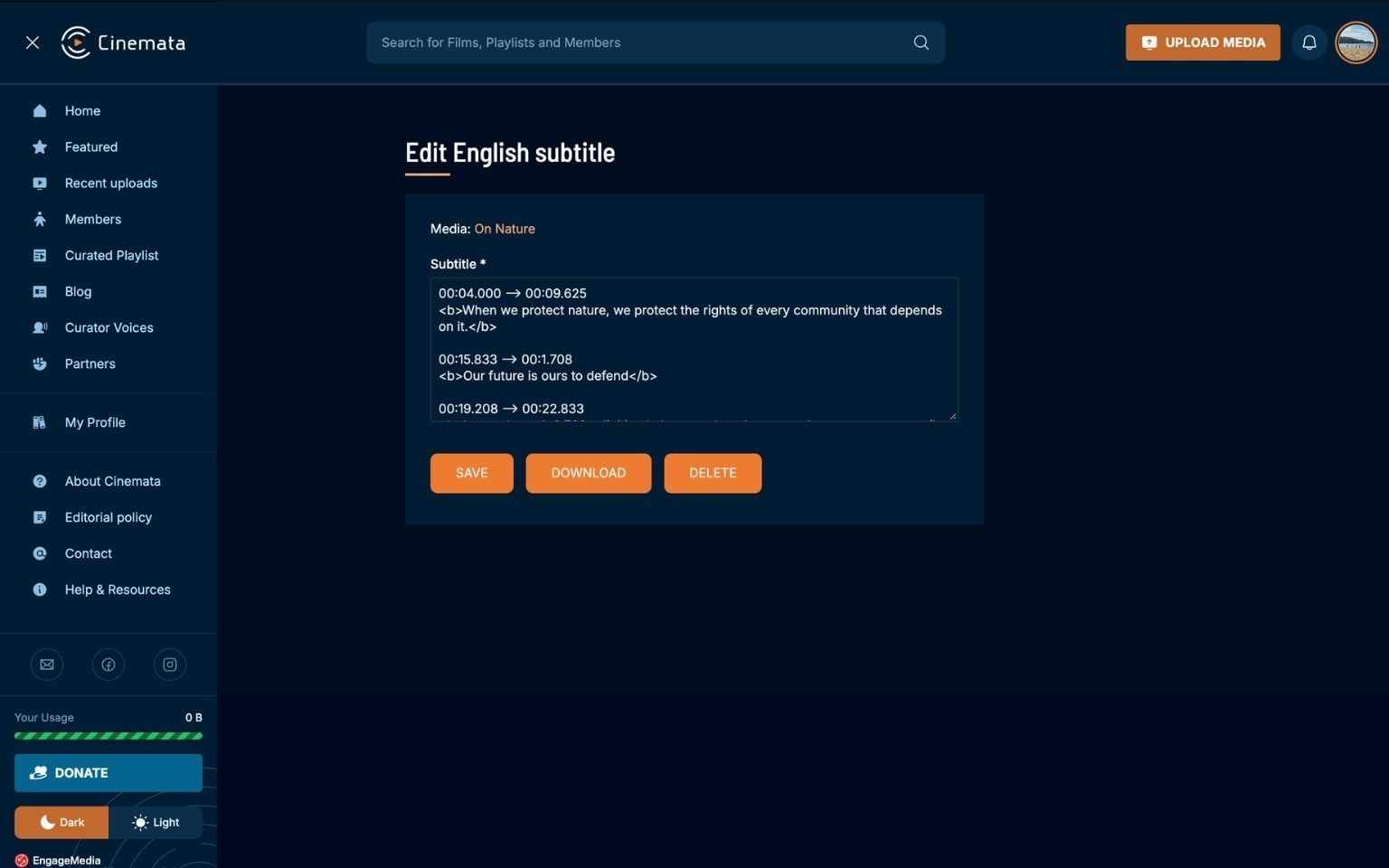
- After editing, click Save.
You may also download your subtitles or delete them.